
Open links instantly without creating new tabs.
GoPeek lets you open links in fully interactive mini windows without leaving your current page. Research faster, reduce tab chaos, and multitask way smoother.
Your browser shouldn't explode into 47 tabs just to check a few links.
GoPeek replaces the exhausting "open in new tab → wait → check → close tab" workflow with live interactive windows that open instantly and directly inside your current page.
Instead of constantly losing context, you can browse links, compare active pages side-by-side, minimize Peeks into floating bubbles, and continue navigating without interruption.
Most links are just curiosity clicks. GoPeek lets you satisfy them instantly without destroying your flow.
Faster Browsing
Open and interact with links instantly instead of constantly creating and closing tabs.
Stay In Context
Research naturally without losing your current page or breaking your focus flow.
For Multi-Tab Minds
Great for developers, researchers, students, and anyone who's tired of juggling endless tabs.

Instant Previewing
Hold Shift (or Alt / Ctrl) and hover any link to instantly open a live interactive browser window without leaving your current tab.
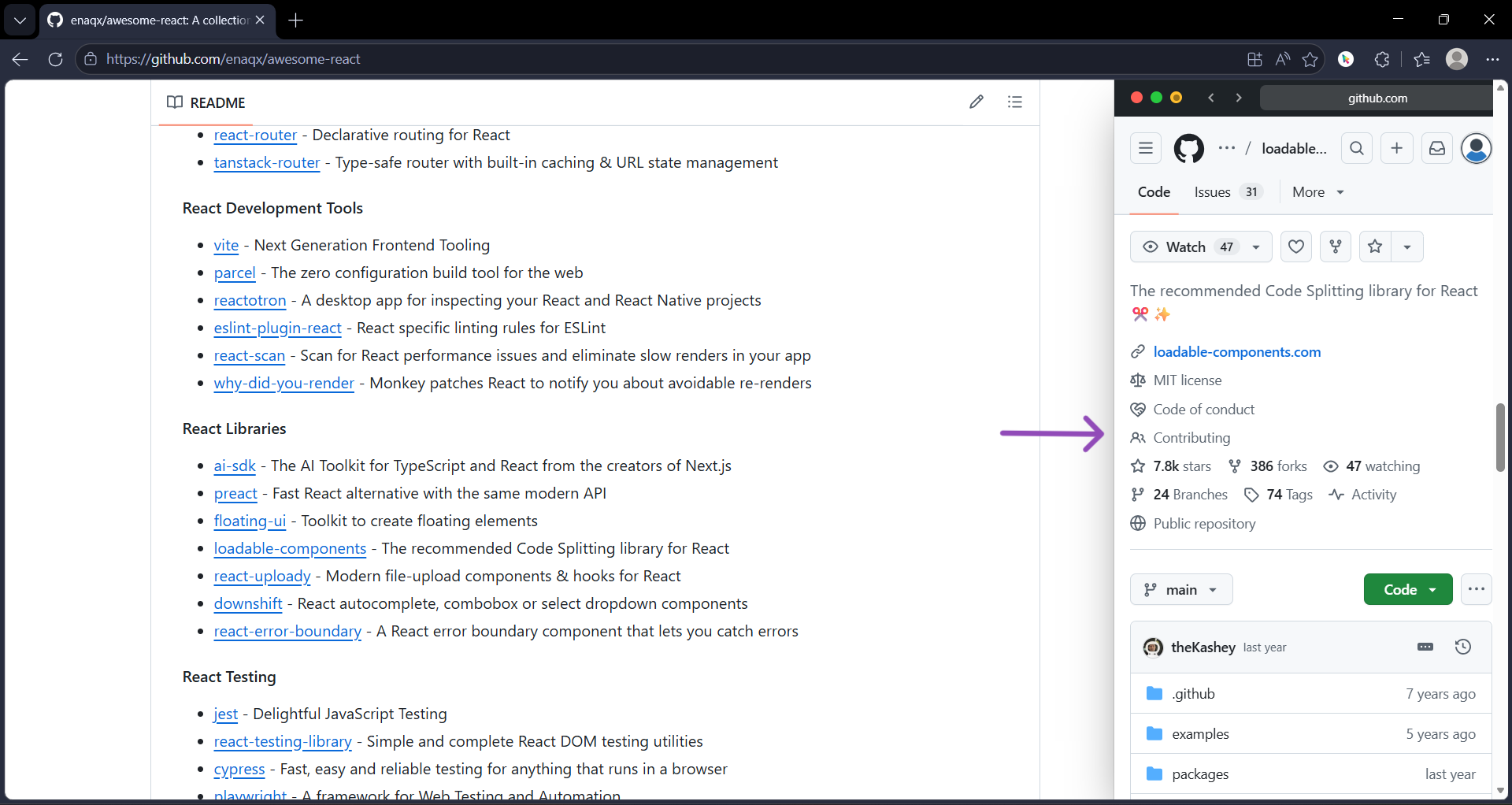
Sidebar Mode
Snap Peeks into a clean split-screen layout for deeper browsing sessions.
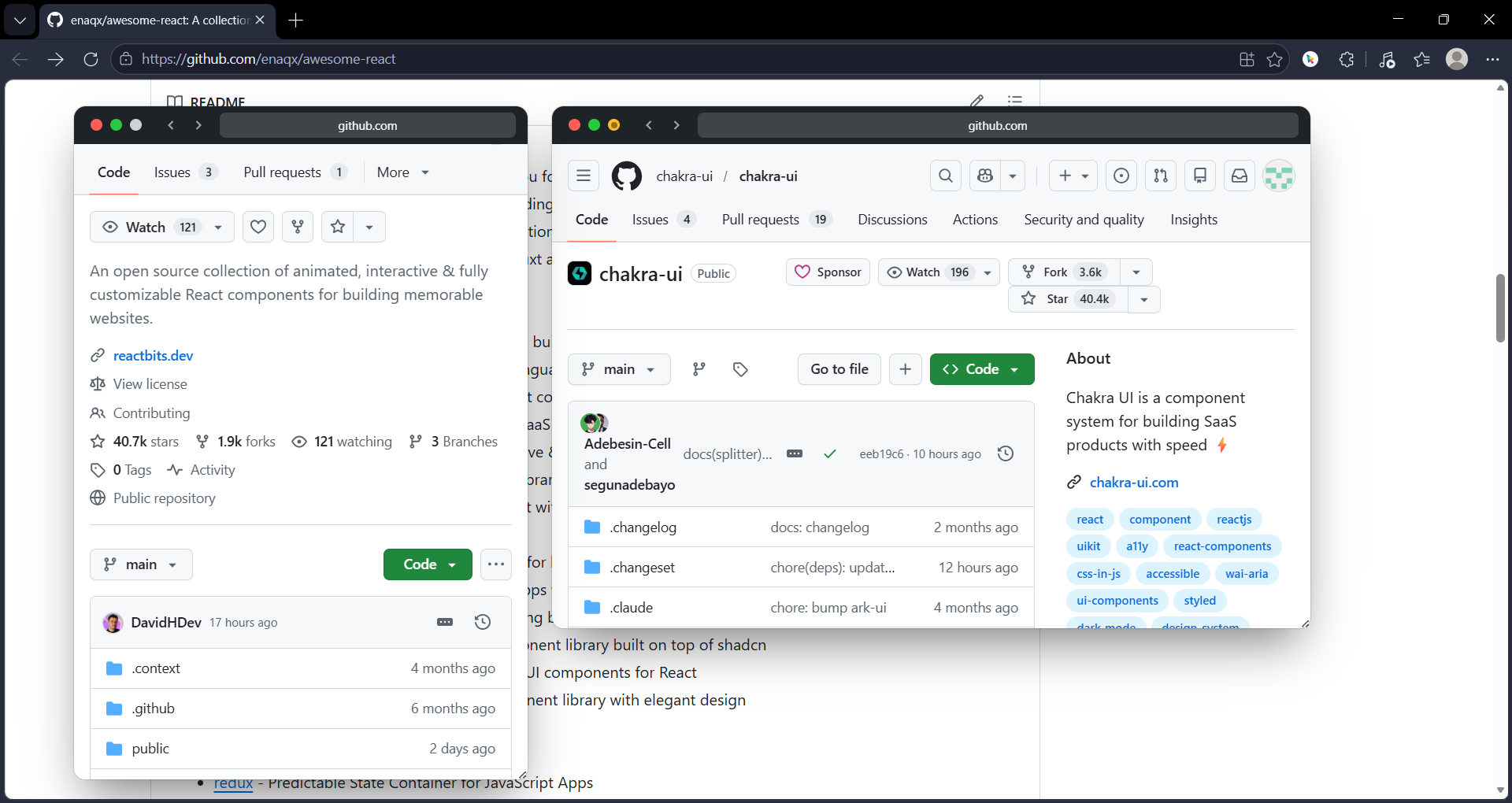
Multi-Peek
Run multiple windows side-by-side to compare docs, repos, articles, and references.
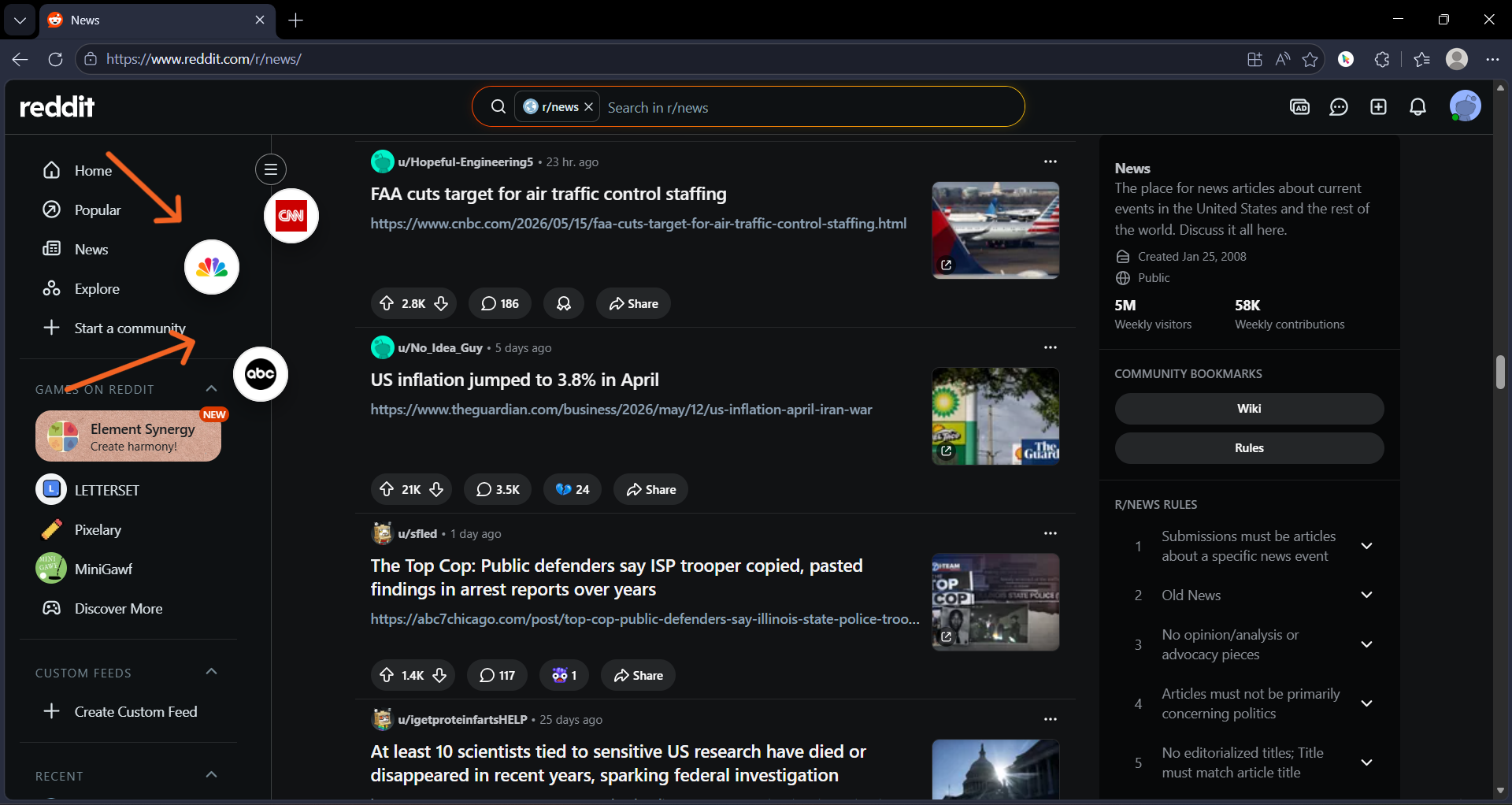
Bubble Minimize
Double-click the header to collapse any active GoPeek session into a floating bubble for later.
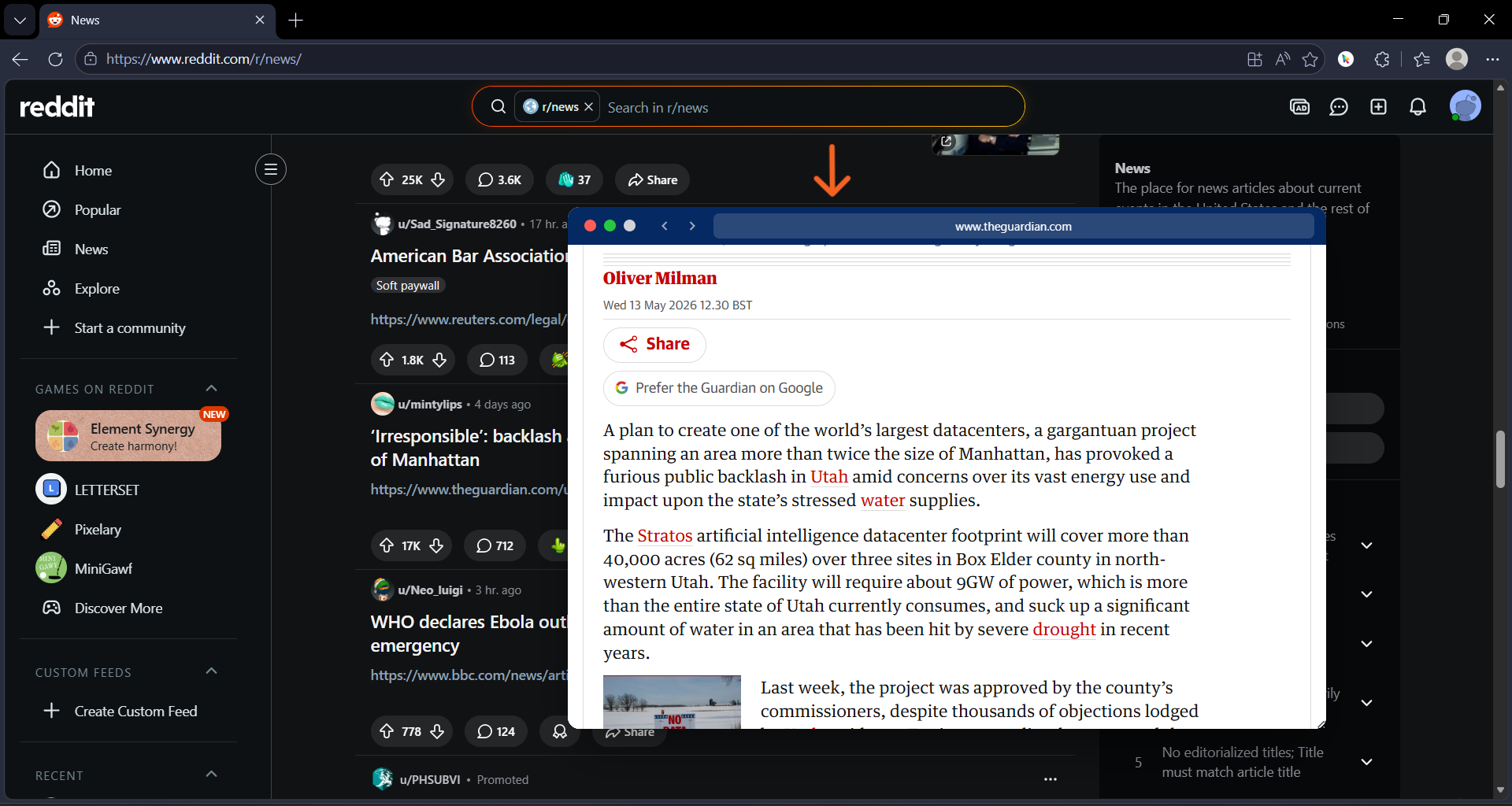
Dynamic Theme
GoPeek adapts visually to the website you are browsing for a native-feeling experience.
See GoPeek in Action
Real browsing. No tab chaos.
Features
Built to feel native to your browser.
Sidebar Split-Screen
Snap GoPeek windows into a clean sidebar and continue browsing without context switching.
Bubble Minimize
Double-click the header to turn Peeks into floating bubbles and reopen them anytime during your session.
Multi-Peek
Compare multiple links side-by-side without opening dozens of tabs.
Dynamic Theme
GoPeek adapts visually to the current website for a seamless browsing experience.
Perfect For
The people who practically live inside their browser.
Get GoPeek
Get GoPeek for Your Browser.

Chrome Web Store
Coming Soon


Questions? Answered.
Everything you need to know about GoPeek before you install.
How does GoPeek work?
Is GoPeek free?
Which browsers does GoPeek support?
Does GoPeek track my browsing data?
Can I customize the keyboard shortcut?
Does GoPeek work on all websites?
Help Us Improve
Found a bug? Have an idea? We would love to hear from you. Your feedback is stored directly in our project repository.
Smarter Browsing, Fewer Tabs
Tips, guides, and insights on browser productivity, tab management, and the future of how we explore the web.
Latest Articles
Loading articles...
New Posts Weekly
Follow GoPeek for browser productivity tips, extension updates, and smarter browsing workflows.