
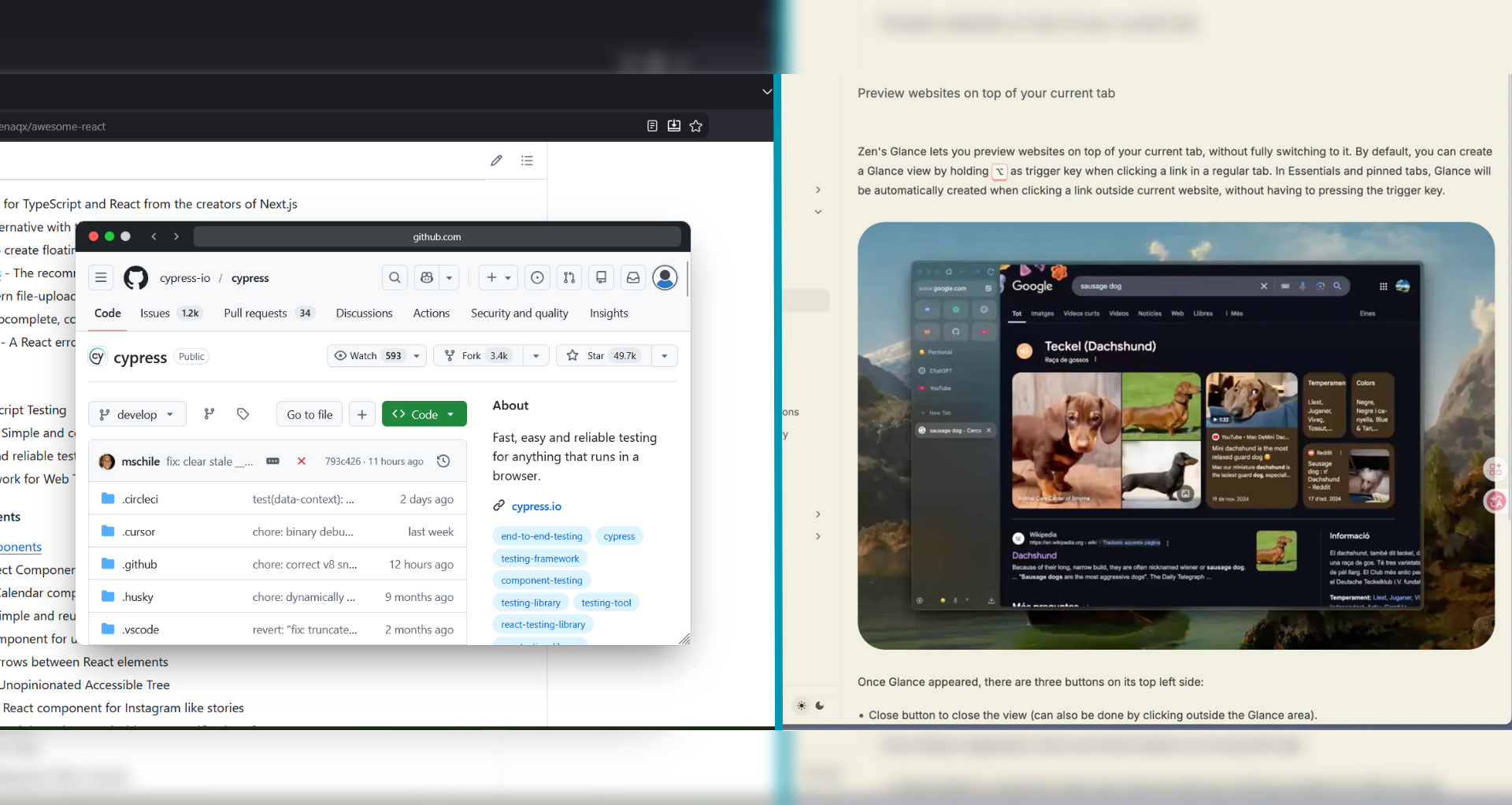
Zen Browser's Glance feature is one of the most talked-about innovations in browsing right now. Users call it a "killer feature" and say they "can't use a browser without it anymore." It lets you hold Alt and click a link to open a floating preview without leaving your current tab. Sound familiar?
It should. GoPeek has been doing this — and significantly more — as a cross-browser extension since before Zen Glance hit the spotlight. But the two tools are not the same. Not even close. Let us break down where each shines, where each falls short, and which one actually fits your workflow.
What Is Zen Glance?
Glance is a native feature built into Zen Browser, a Firefox-based browser that has gained serious traction in 2025-2026 for its vertical tabs, workspaces, and aesthetic design. Glance opens a centered floating overlay when you Alt+click a link, letting you preview the page without fully switching to it.
Glance's strengths:
- Native integration — no extension to install
- Clean, minimal UI that matches Zen's design language
- Expand to full tab with
Cmd+Enter(or dismiss withEscape) - Automatically triggers on pinned/essential tabs without modifier keys
- Free — comes with the browser
Where Zen Glance Falls Short
For all the hype, Glance has real limitations that power users quickly hit. The Zen community itself has been vocal about these issues on GitHub discussion #10773 and across Reddit.
The five biggest pain points:
- Enormous window size. The Glance overlay is fixed-size and often covers almost your entire current tab. Instead of a "glance," it feels like an almost full-screen layer. You lose the context of the original page you were reading.
- No side-by-side multitasking. Glance is a single centered overlay. You cannot compare two previews simultaneously, nor can you dock it to the side while working.
- Choppy on low-spec hardware. The complex animations and large window size make Glance difficult for lower-end computers to render smoothly.
- Alt+click conflicts. The default trigger uses
Alt+click, which conflicts with common shortcuts (downloading links, opening menus) on many websites. - Zen Browser only. Glance is locked to one browser. If you use Firefox, Edge, Chrome, or switch between devices, you are out of luck.
What GoPeek Does Differently
GoPeek was built from the ground up as a cross-browser extension that works in Firefox, Edge, and Chrome (coming soon). It is not tied to a single browser's UI philosophy — it is built for the workflow of people who research, code, write, and browse across multiple browsers.
GoPeek's advantages:
- Hover-based previews. No clicking required. Hold
Shift(customizable toAltorCtrl) and hover — the preview appears instantly. Your click is preserved for actually clicking the link. - Sidebar mode. Drag any preview to snap it into a clean split-screen layout. Read a documentation page while coding, or compare two product pages while shopping.
- Multi-Peek. Run multiple preview windows side-by-side. Compare GitHub repos, check three news sources, or verify references across papers — all without a single new tab.
- Bubble minimize. Double-click the header to collapse any active preview into a floating bubble. It stays on screen, ready to reopen, without consuming tab bar space or memory like a full tab.
- Dynamic theme matching. GoPeek adapts its visual style to the website you are browsing, making previews feel native, not foreign.
- Cross-browser. Works in Firefox, Edge, and soon Chrome. Your workflow travels with you.
Head-to-Head Comparison
| Feature | Zen Glance | GoPeek |
|---|---|---|
| Trigger method | Alt + click (requires clicking) | Shift + hover (no click needed) |
| Browser support | Zen Browser only | Firefox, Edge, Chrome (soon) |
| Preview size | Fixed, often covers most of screen | Resizable, draggable, customizable |
| Side-by-side mode | Not available | Sidebar snap + Multi-Peek |
| Multiple previews | One at a time | Unlimited Multi-Peek |
| Minimize / save for later | Close or expand to tab only | Bubble minimize — floats on screen |
| Theme matching | Zen's native dark/light | Dynamic per-site theme adaptation |
| Installation | Built-in (no install) | Extension install (one click) |
| RAM usage | Full tab load in overlay | Lightweight preview rendering |
| Customization | Limited (trigger key only) | Size, shortcut, sidebar width, behavior |
Real Workflow Scenarios
Scenario 1: Researching a Reddit Thread with 20 Links
With Zen Glance: You Alt+click each link, wait for the large overlay to animate in, read, press Escape to close, then Alt+click the next one. The overlay keeps covering the Reddit thread you were reading. After 5 links, the animation choppiness gets annoying.
With GoPeek: You hold Shift and hover each link — previews appear instantly without clicking. You bubble-minimize the interesting ones, snap one into sidebar mode for deeper reading, and never lose sight of the Reddit thread. No animation lag. No context lost.
Scenario 2: Comparing Three Product Pages
With Zen Glance: You can only preview one at a time. To compare, you must expand each to a full tab, creating the exact tab clutter Glance was supposed to prevent.
With GoPeek: You enable Multi-Peek, open three previews side-by-side, and compare prices, features, and reviews in one view. No tabs created. No cleanup needed.
Scenario 3: Cross-Browser Workflow
With Zen Glance: You are locked to Zen Browser. If your work requires Chrome for certain apps, Firefox for development, or Edge for corporate tools, Glance cannot follow you.
With GoPeek: Install it in Firefox and Edge today, Chrome soon. Same workflow, same shortcuts, same productivity gains across every browser you use.
Who Should Use Zen Glance?
Zen Glance is perfect if:
- You already use Zen Browser as your daily driver and do not plan to switch
- You only need occasional, single-link previews (not research-heavy workflows)
- You prefer native features over extensions on principle
- Your hardware handles the animations smoothly
Who Should Use GoPeek?
GoPeek is the better choice if:
- You use multiple browsers (Firefox, Edge, Chrome) and want one consistent tool
- You research heavily — articles, docs, GitHub, papers — with many links per session
- You need side-by-side comparison (sidebar mode, Multi-Peek)
- You want hover-based previews that do not require clicking
- You work on modest hardware and need lightweight, smooth performance
- You want to save previews for later without creating permanent tabs (bubble minimize)
The Bottom Line
Zen Glance is a great start. It proved that link previews are not a niche feature — they are how modern browsing should work. But it is a version 1.0 built into a single browser, with limitations the community has already documented extensively.
GoPeek is a mature, cross-browser solution that takes the link preview concept further: hover instead of click, side-by-side instead of centered overlay, multiple previews instead of one, bubbles instead of tabs, and dynamic themes instead of static boxes.
If you are a Zen Browser user who loves Glance but keeps hitting its walls — the oversized window, the single-preview limit, the lack of side-by-side, the browser lock-in — GoPeek is the natural next step. It gives you everything Glance promised, without the compromises.